

Secure by default, without the pain
The firewall blocks incoming connections, the kernel is hardened, and updates are signed. Every setting and its trade-off is written down in Security.


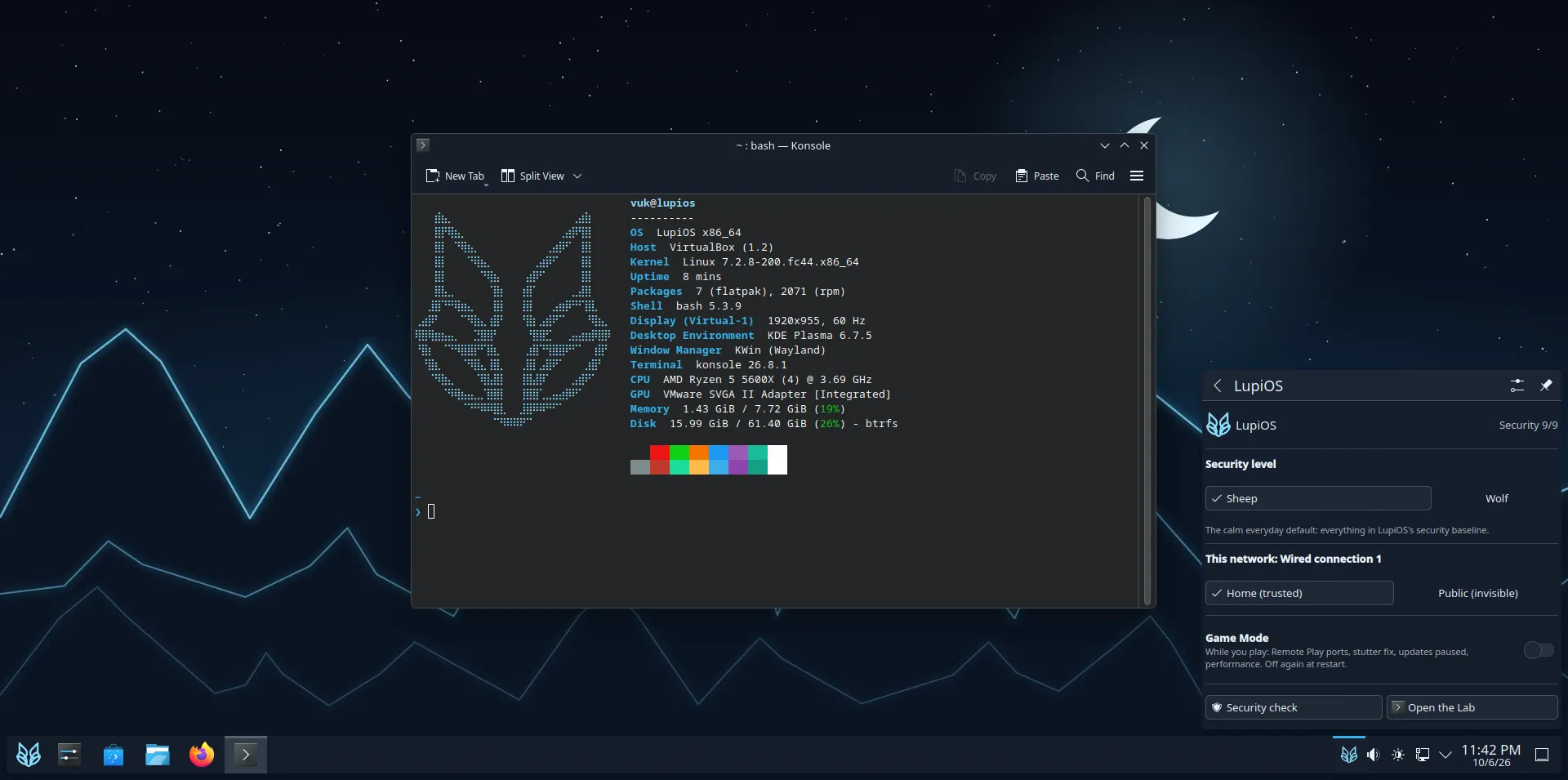
Secure by default, without the pain
The firewall blocks incoming connections, the kernel is hardened, and updates are signed. Every setting and its trade-off is written down in Security.
Updates that can't brick you
The whole system updates at once, in the background. If something breaks, pick the previous version in the boot menu.
Networks that know who to trust
New Wi-Fi networks start as public: your PC goes invisible and quiet, with a random MAC address. At home, it’s trusted. One click switches.
Lupi Lab
Kali’s top hacking tools, one command away (lupi lab), in a container instead of on your
system. For tools you don’t trust yet, the strict lab (lupi lab strict) can’t see your files.
Gaming and security in one OS
lupi setup gaming installs Steam, Heroic and Lutris. Game Mode opens Remote Play, fixes
stutter in some games and pauses updates while you play.
One command for everything
Install apps, change your security level, switch networks: lupi, or the wolf next to the
clock. See the lupi command.
lupi install discord # apps from Flathub, command-line tools from Arch Linuxlupi update # system, apps and boxes, all at oncelupi net public # in a café: invisible to everyone else on the networklupi game on # before playinglupi level wolf # maximum caution, for when it matterslupi check # how locked-down is this PC?LupiOS is built on Fedora Atomic with the KDE Plasma
desktop, through Universal Blue and BlueBuild.
Fedora’s security team patches the base. LupiOS adds the hardening, the network trust, the lab and
the lupi command on top, and every image is signed. It’s free and open source. Read why in the
FAQ.